![Fabicaon.png]](https://44059364.hs-sites.com/hs-fs/hubfs/Fabicaon.png?width=40&height=40&name=Fabicaon.png)
Upload a Favicon on Your Stores
You can now add a custom favicon to your store. A favicon is the small logo that appears in the browser tab, and it plays an important role in building brand recognition and credibility. Previously, the Chipply logo was displayed by default, but now you can upload your own!
| Learn How |
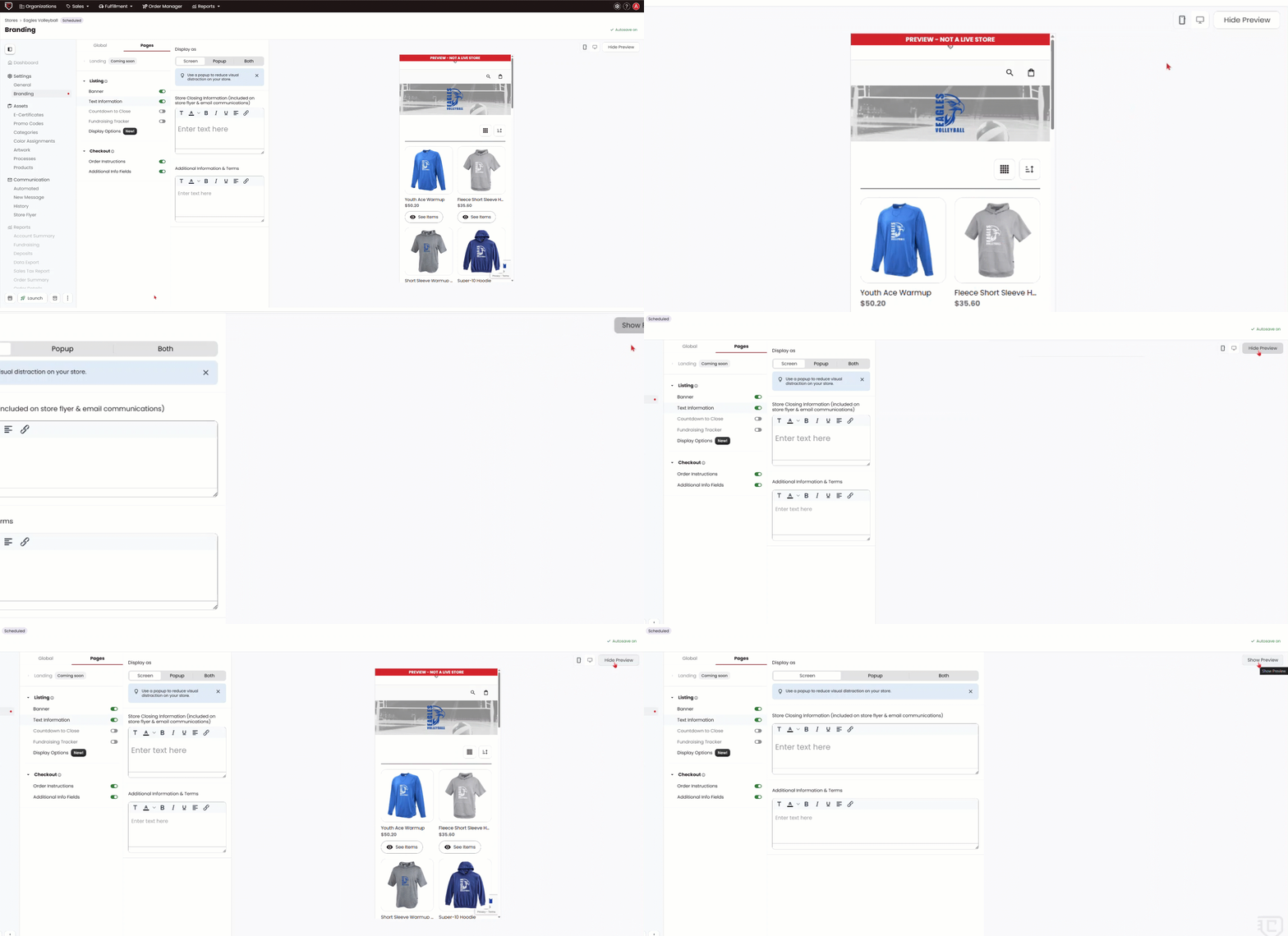
Hide Preview on The Branding Page
You can now hide the store preview on the branding page. When hidden, the branding panel expands to give you more working space, which is especially useful when editing text fields. To hide the preview, click the Hide Preview button located next to the mobile and desktop view toggles.
New Purchasing Updates
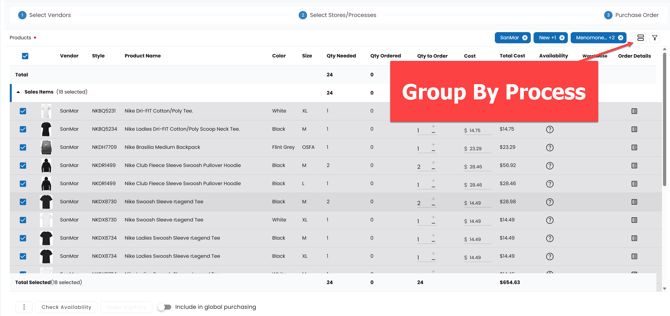
Group By Process Button Has Moved
he Show by Process toggle has a new home. You'll now find it as a dedicated button located next to the filter button, making it quicker to access when managing your purchasing workflow.
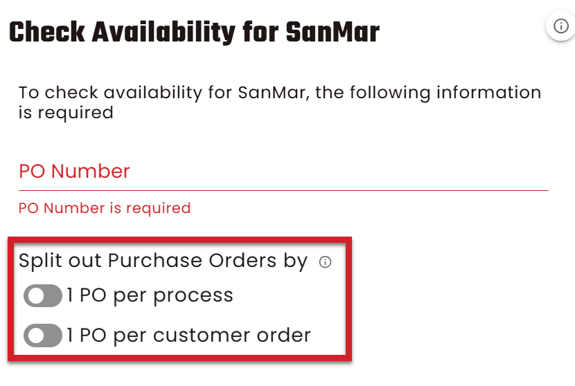
Split out Purchase Order by: 1 PO per process/Customer Order
When creating a purchase order, you now have the option to split it by process or by customer order. Splitting a Purchase Order means that each individual Process or each individual customer order will be placed on separate POs.
Please note that this feature should only be used if your workflow supports ordering this way. Splitting a PO without meeting vendor minimums may result in additional freight charges.
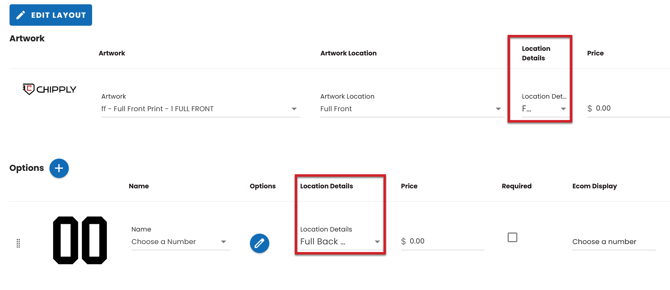
New Field Added: Location Details
To support upcoming integrations, we've introduced a new Location Details field within the process and Review. You'll now see this field for any artwork or option on a process level as well as when you are reviewing a product. This field is entirely optional and does not need to be filled out.