![Fabicaon.png]](https://44059364.hs-sites.com/hs-fs/hubfs/Fabicaon.png?width=40&height=40&name=Fabicaon.png)
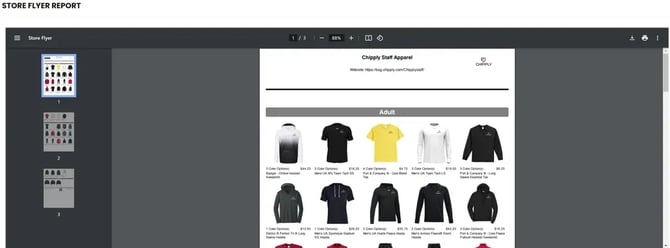
The Store Flyer showcases your product selection and promotes your store. It's automatically included in your launch email, but you can access it again anytime using the steps below.
To View or Print the Store Flyer:
- Within your store, go to the left-hand menu under Communication and click Store Flyer.
The flyer will generate on this page. From there, you can download it as a PDF or print a hard copy for distribution.