![Fabicaon.png]](https://44059364.hs-sites.com/hs-fs/hubfs/Fabicaon.png?width=40&height=40&name=Fabicaon.png)
The Styles tab on Chipply's Branding page gives you more flexibility in how your stores look and feel. Choose light or dark mode, or create a custom color theme that matches your store, while maintaining accessible design standards for shoppers.
Light, Dark, or Customer Color Themes
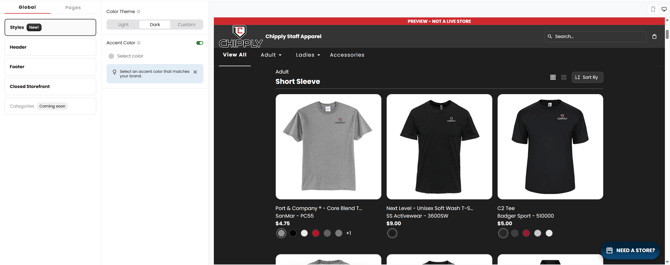
With the new style tab, you can choose between light or dark color themes.
Light Color Theme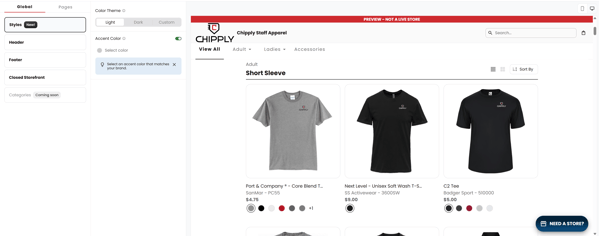
Dark Color Theme
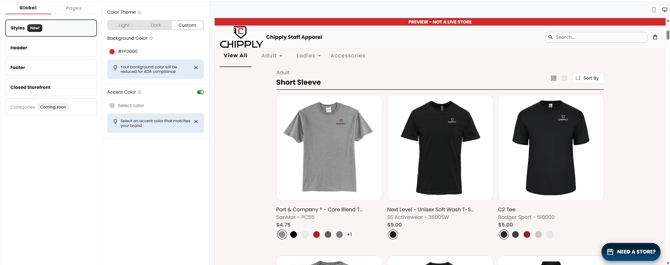
Custom Color Theme
You can choose any color that you would like and it will give your storefront a unique look with a subtle background tint. This color complements your accent color, and we’ll automatically adjust it to ensure ADA compliance.
Accent Colors
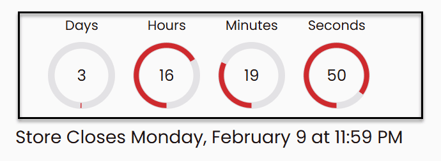
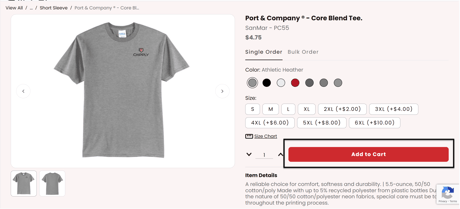
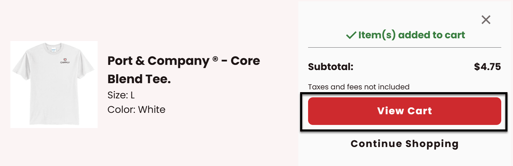
Select an accent color for key elements in your store, like call-to-action buttons and cart indicators. Chipply will ensure colors are accessible for your shoppers and meet ADA compliance standards.
Countdown Clock
Add to Cart
View Cart
Shopping Cart

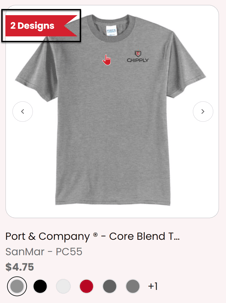
Multiple Processes Flag
Proceed to Checkout
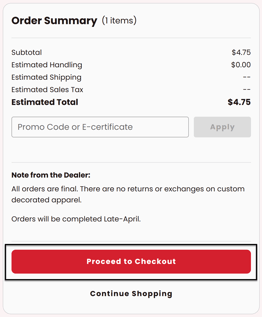
Checkout Numbers and Steps
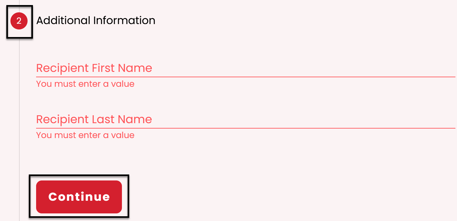
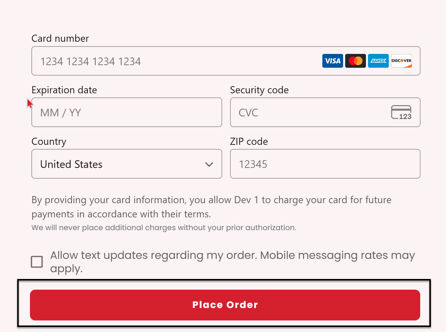
Place Order