![Fabicaon.png]](https://44059364.hs-sites.com/hs-fs/hubfs/Fabicaon.png?width=40&height=40&name=Fabicaon.png)
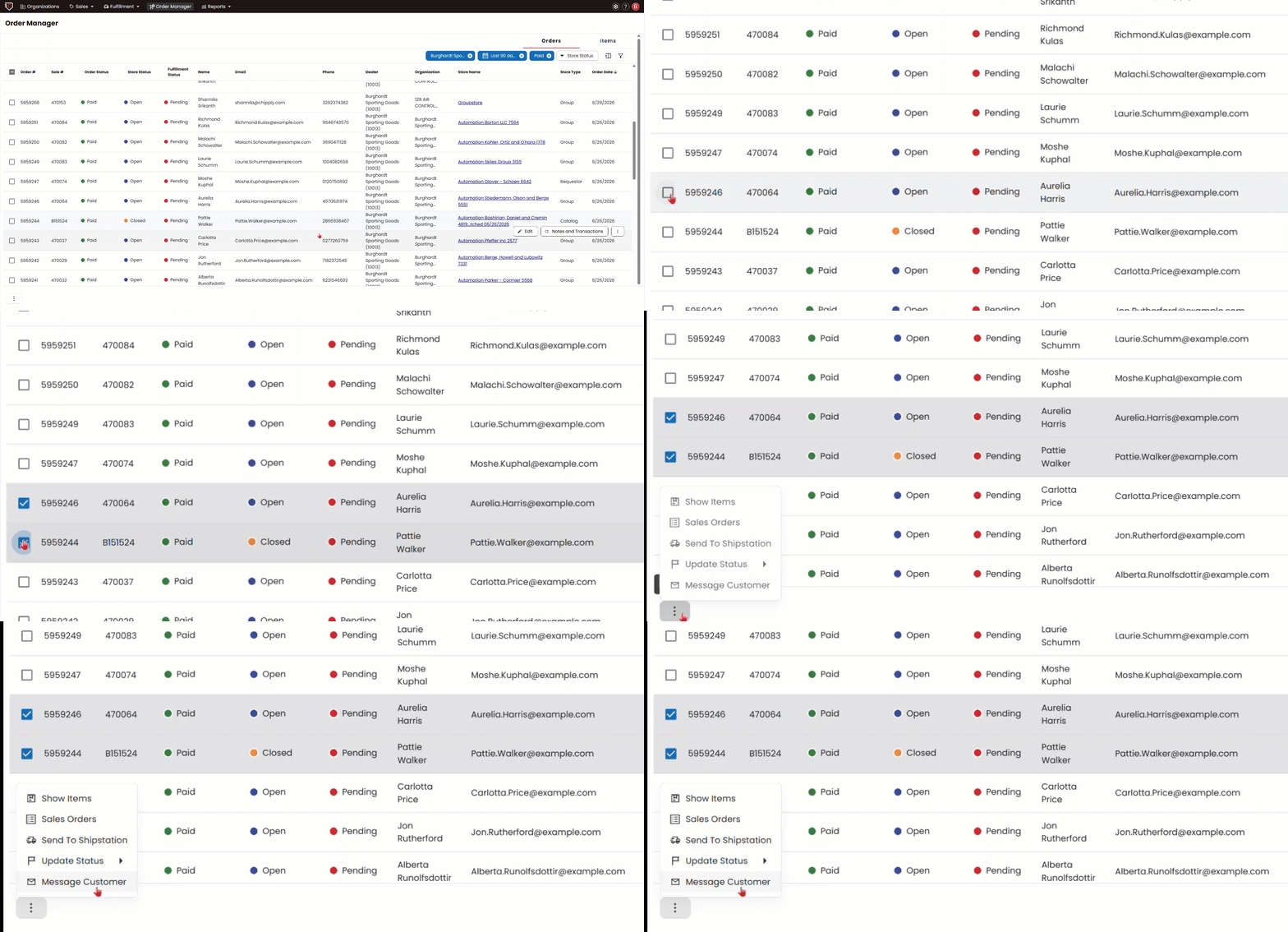
Order Manager makes it easy to message customers from one store or across multiple stores at once, no need to send individual messages one at a time.
- Go to Order Manager from the top navigation bar or from the left-hand menu inside one of your stores.
- Use the checkboxes to select the orders you want to reach.
- At the bottom of your screen, click Bulk Actions and select Message Customers.
- Compose your message and send.