![Fabicaon.png]](https://44059364.hs-sites.com/hs-fs/hubfs/Fabicaon.png?width=40&height=40&name=Fabicaon.png)
Effortlessly refresh the display colors of the products in your store with our Randomize Display feature. With just a single click, you can instantly update all product colors, keeping your store visually dynamic and engaging.
How to Randomize Display Colors on Products in Your Store
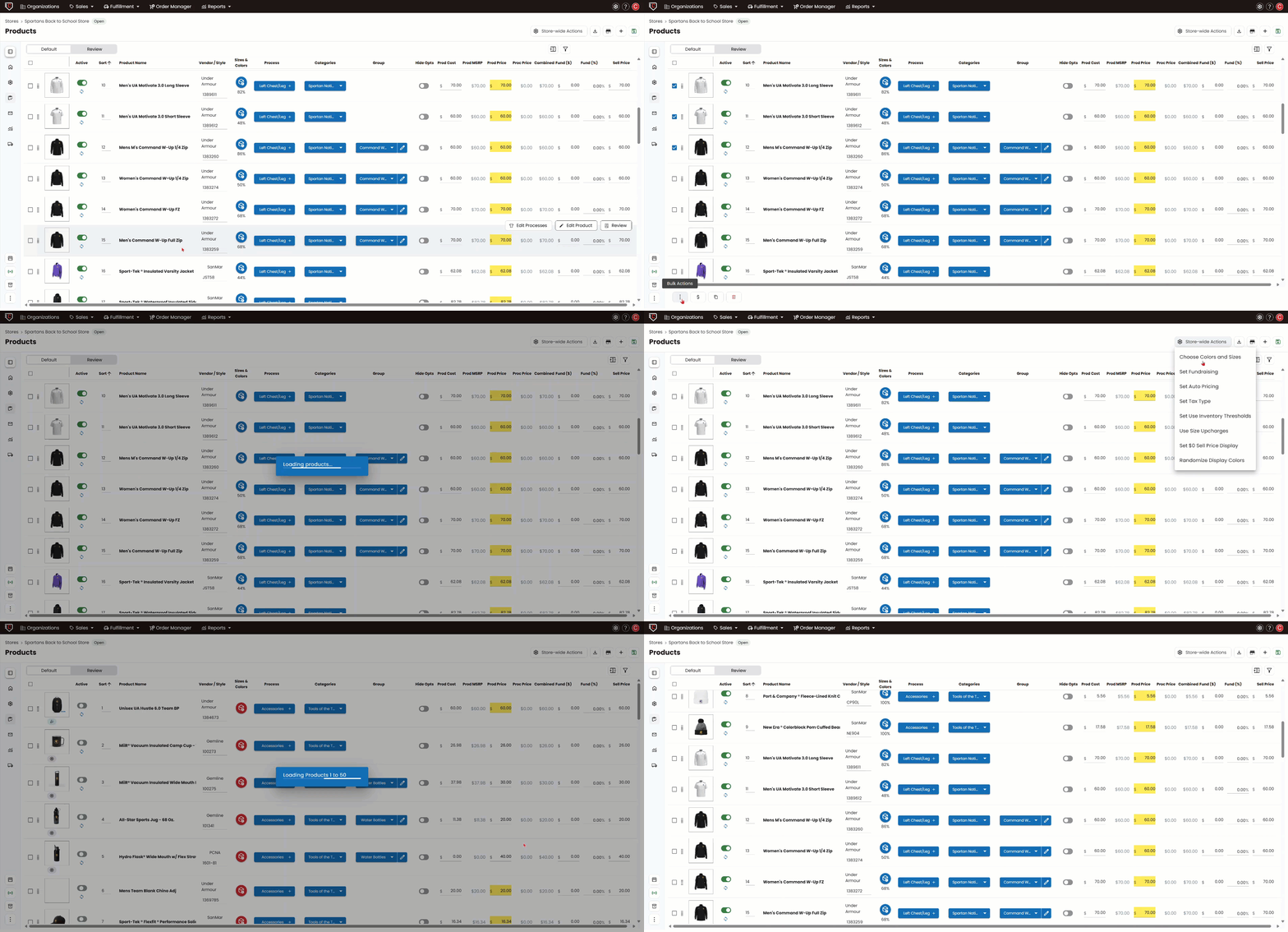
1) Within your store navigate to the Products Page.
2) Select all or just the products that you want to update the display colors on.
3) Click Bulk Actions -> Randomize Display Colors.
You can also find this action under STORE-WIDE ACTIONS -> Randomize Display Colors.