![Fabicaon.png]](https://44059364.hs-sites.com/hs-fs/hubfs/Fabicaon.png?width=40&height=40&name=Fabicaon.png)
Chipply allows you to easily resend Automated Messages. This feature is perfect for sending updated store information after any changes or for re-sharing details with your Organization Contact whenever needed.
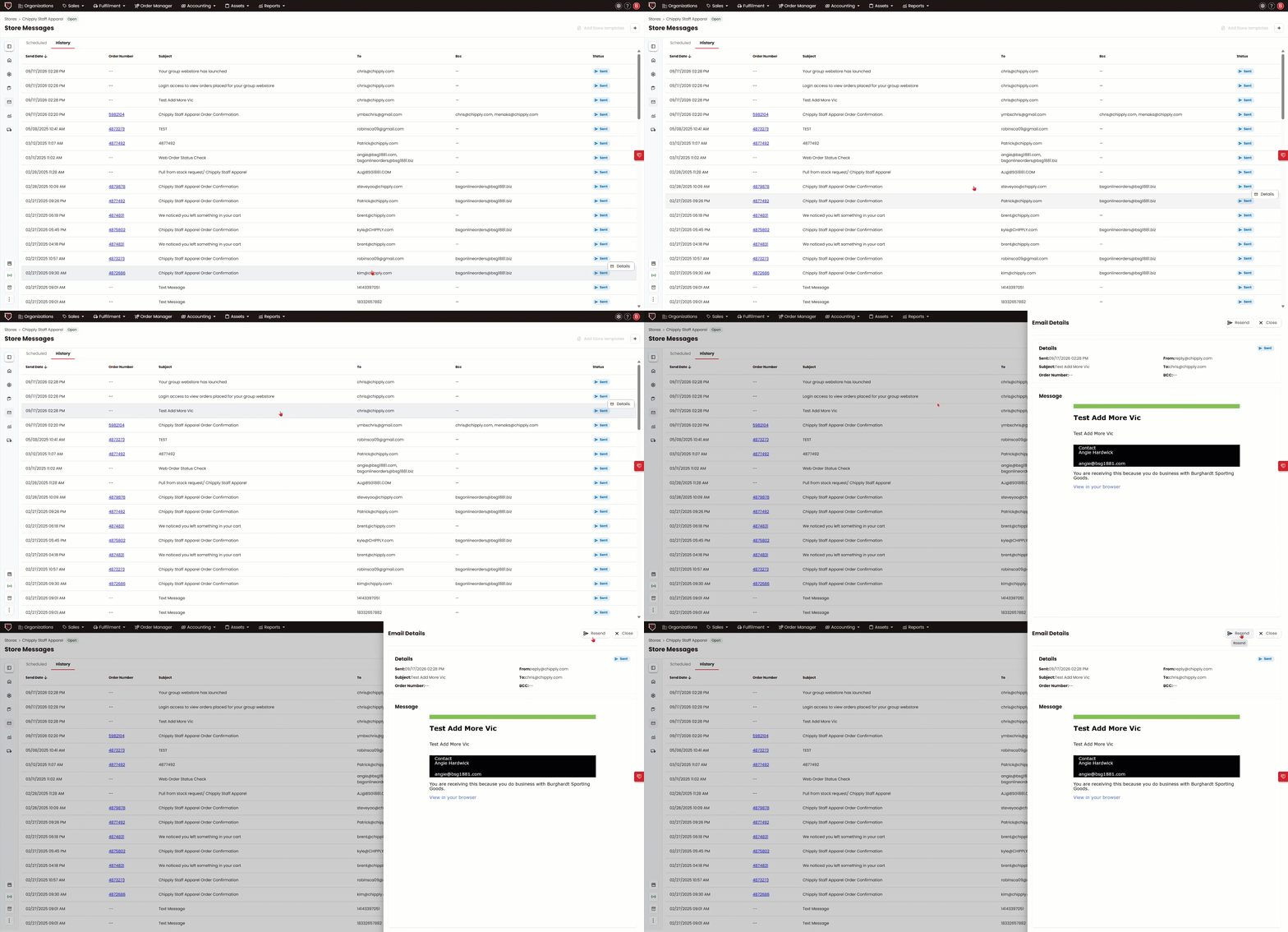
How to Resend Automated Emails:
- In your store, go to Messages in the left-hand menu, under Communication.
- Click the History tab at the top.
- Find the message you want to resend and click on it.
- Click Resend in the top right.